
Galaxy S26 Horizontal Lock review: Superior video stabilization for shaky and action footage

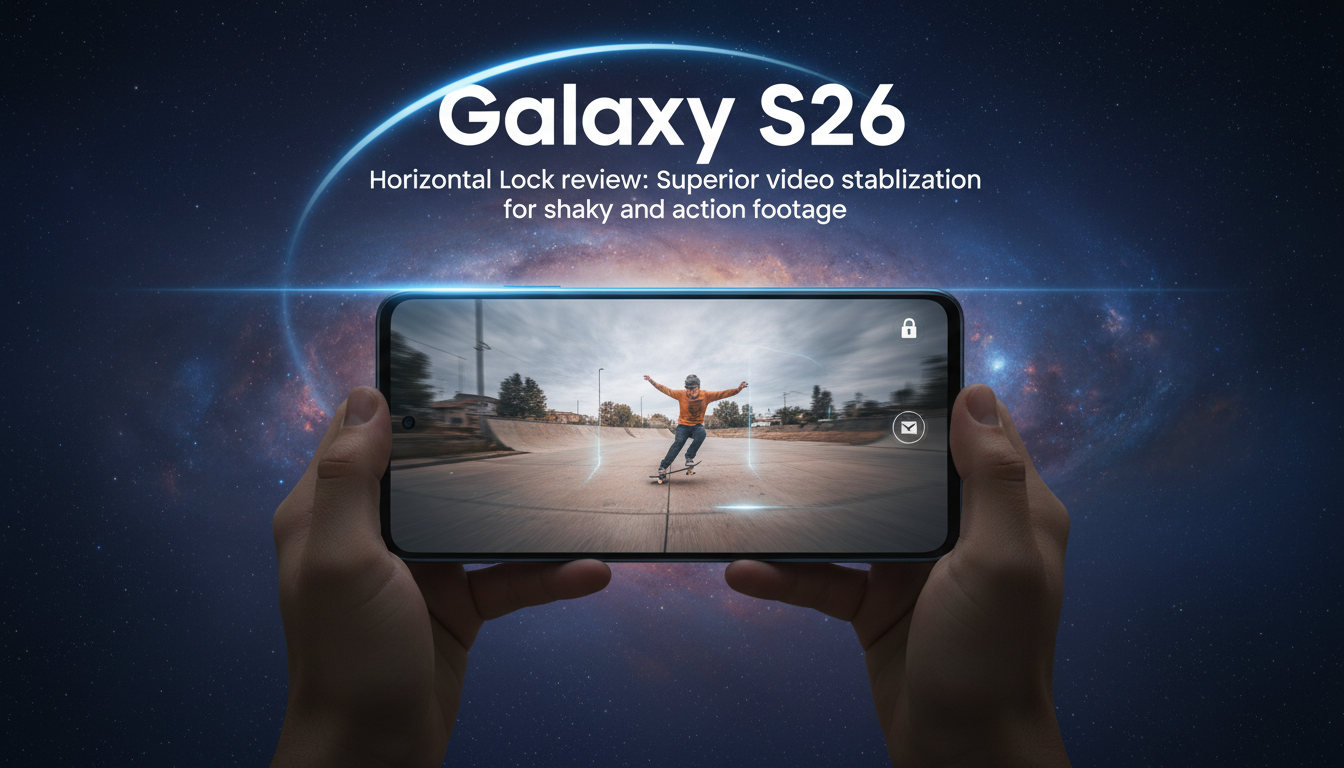
Galaxy S26 Horizontal Lock Review: Near-Perfect Horizon Stabilization for Mobile Video
Galaxy S26 Horizontal Lock keeps horizons steady during extreme tilts and fast motion, making handheld video smoother, more watchable, and easier to edit.
Horizontal Lock in action
Horizontal Lock is a video stabilization mode that actively maintains a level horizon while you move the phone. In practical tests the feature held the horizon steady even when the device was rotated up to 90 degrees and flipped through a full 180-degree rotation. The result is footage that appears as if the camera is being held level, despite deliberate or accidental tilting of the handset. That behaviour reduces the need for post-capture rotation or digital horizon correction, and it produces a more consistent viewing experience for handheld clips.
Real-world field test on busy streets
Testing focused on dynamic, unpredictable subjects: fast cars and short tracking passes on narrow city boulevards. The mode performed well while following vehicles that changed speed and position rapidly, producing smooth pans without the wobble normally introduced by hand movement. When framing subjects that moved perpendicular to the camera’s path, Horizontal Lock kept the skyline and roadside elements level, which makes motion easier to follow and reduces viewer discomfort when watching shaky sequences.
How the stabilization behaves and where it helps most
Horizontal Lock prioritizes horizon consistency over absolute device orientation. That means the algorithm compensates for roll and tilt so the image plane appears steady even as you angle the phone to follow action. This approach is especially effective for subjects with rapid lateral motion and when the operator needs to tilt to keep a subject in frame. It also rescues many clips that would otherwise be tossed due to excessive shake, delivering stable footage without a gimbal. However, the feature is not a substitute for careful framing: rapid, extreme movement combined with aggressive zoom or low light can still produce blur or subject loss, so complementary steady-hand technique and sufficient lighting remain important.
Practical uses beyond automotive footage
Beyond capturing cars or other fast-moving objects, horizon-lock stabilization has clear utility for everyday content creators and for more serious situations. Casual users gain watchable home videos and travel clips with less effort. Journalists and first responders may find the feature useful when quick handheld recording is all that’s available during breaking events, because it helps maintain legible, steady footage under stress. Sports fans, street photographers, and creators who post short-form social content also benefit from fewer unusable takes and reduced editing time.
Workflow implications and equipment choices
With reliable horizon stabilization built into the phone, some creators can reduce reliance on external stabilizers for many scenarios. That streamlines packing and speeds setup when mobility matters. It also lowers post-production time: fewer stabilization passes and less cropping are required, preserving a wider field of view. For high-end production needs—complex camera moves, cinematic stabilization, or very low-light work—a gimbal or tripod still offers finer control and longer exposure steadiness. For run-and-gun shooting, though, the on-device Horizontal Lock meaningfully improves final output without added gear.
Horizontal Lock is a targeted improvement to the Galaxy S26’s video toolkit. It consistently keeps horizons level under substantial device rotation and while tracking rapid subjects, making a noticeable difference in the quality of handheld clips. The feature simplifies on-the-move recording, reduces the need for stabilization accessories in many situations, and increases the likelihood that casual and professional recordings will be usable straight from the phone.